Great for SDRs, recruiters, and ops teams who have contact lists but need LinkedIn URLs before they can do anything with them.
Turn a Name + Company into a Verified LinkedIn Profile URL — at Scale
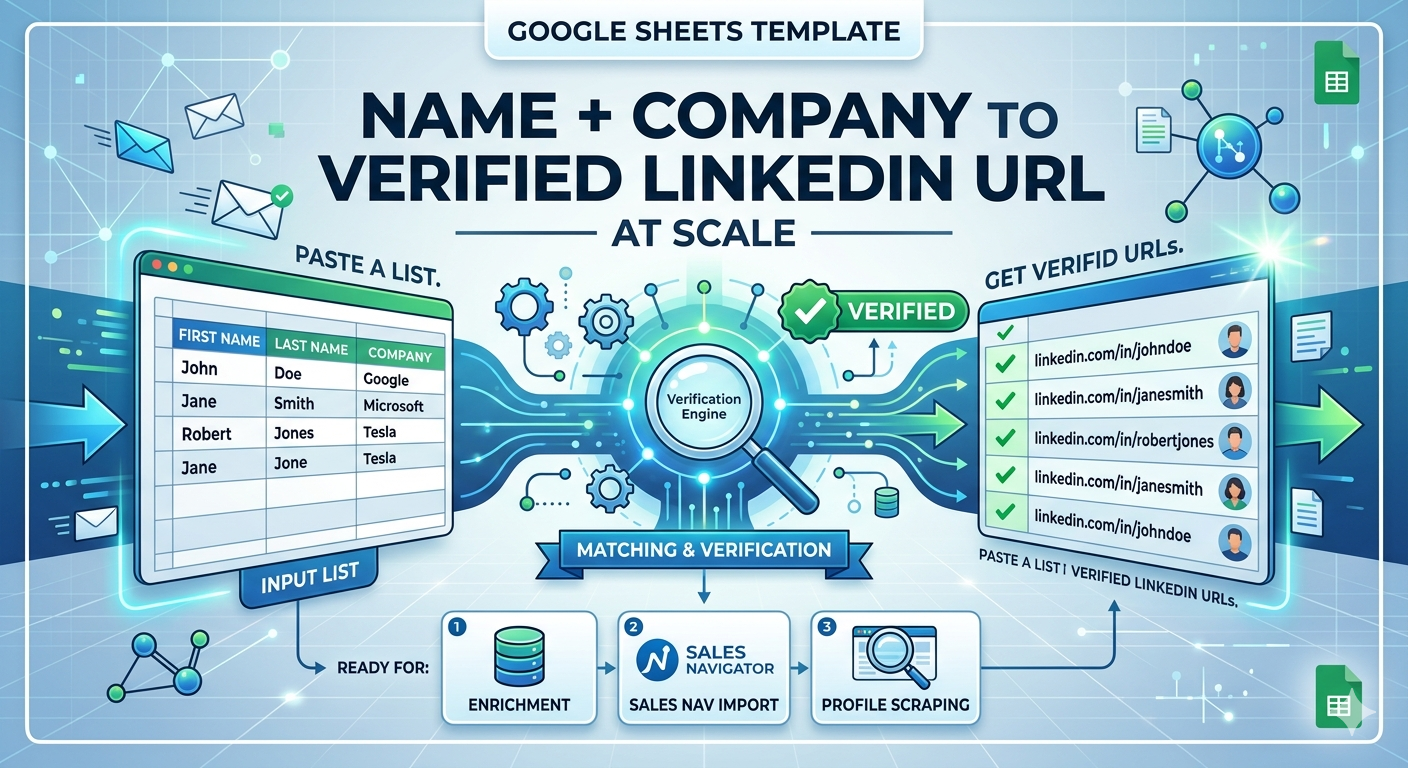
Paste a list of names and companies. Get back a verified LinkedIn profile URL for each person — ready to use in your enrichment tool or Sales Navigator.
Features
No coding required. Paste your name list, run the finder, and get LinkedIn URLs back in your Sheet.
Find the right LinkedIn profile for any name
Give it a first name, last name, and company. It finds the most likely matching LinkedIn profile and returns the URL with a confidence score.
Gets the right person even with common names
When multiple profiles match the same name, it compares company, location, and title to pick the best match.
Confidence Scoring
Every result comes with a confidence score. Low-confidence matches are flagged so you can review before using them.
Handle hundreds at once
Process hundreds of name + company pairs in one run — no manual searching.
Plug straight into your enrichment tool
The output URLs are formatted to drop straight into the LinkedIn Profile Enricher or any other tool that needs a LinkedIn URL as input.
Works with whatever info you have
Name + company, name + domain, name + email, name + title — more fields means better accuracy, but you can start with just the basics.
How It Works
Up and running in minutes.
Paste Your Contact List
Add columns for first name, last name, and company. Extra fields like title or location improve accuracy.
Run Profile Finder
The finder searches and resolves each name to the most likely LinkedIn profile URL.
Review Confidence Scores
High-confidence matches are kept. Low-confidence ones are flagged for a quick manual check.
Feed into Enrichment
Verified LinkedIn URLs are ready to feed directly into your enrichment tool or profile scraper.
Product Showcase
See it in Action
Perfect For
See yourself here? This template was built for you.
Turn attendee lists into LinkedIn profiles
After an event, turn your attendee name list into LinkedIn profiles before you follow up.
Fill in missing LinkedIn URLs in your CRM
Add LinkedIn profile URLs to CRM contacts that are missing them.
Find LinkedIn profiles for candidate lists
Resolve candidate names from job applications or referrals to LinkedIn profiles — fast.
Turn form fills into LinkedIn leads
Turn name and company from a form submission into a LinkedIn profile — ready for SDR research.
Build a Sales Nav list from names
Convert your name list into LinkedIn URLs, then import them into Sales Navigator as saved leads.
Find decision-makers at target accounts
Resolve the names of decision-makers at your most important accounts to LinkedIn profiles for research and outreach.
Simple Pricing
One payment. Lifetime access. No subscriptions.
Secure checkout via LemonSqueezy
Want this as part of a fully automated enrichment workflow?
We can build an end-to-end pipeline that resolves names to LinkedIn, scrapes profiles, and enriches with emails — fully automated.
Get in TouchFrequently Asked Questions
Everything you need to know about this template
What is the match accuracy?
With name + current company, accuracy is 75–85%. Add title or location and it goes up to 85–92%. Every result includes a confidence score so you can set your own acceptance threshold.
What happens when no match is found?
The row gets marked 'Not found'. You can try different input combinations or do a quick manual lookup for those rows.
Can this handle common names like 'John Smith'?
Common names are harder. The disambiguation logic uses company, location, and title to narrow things down — but accuracy will be lower if you don't have additional context fields to help.
Can the output URLs be used directly with the LinkedIn Enricher?
Yes. The output is a standard LinkedIn profile URL — paste it straight into the LinkedIn Enricher input column.
Related Templates
You might also be interested in these templates