Great for email marketers, sales teams, and anyone who sends cold outreach. Get accurate verification without paying for another SaaS tool.
Stop Sending Emails to Dead Addresses.
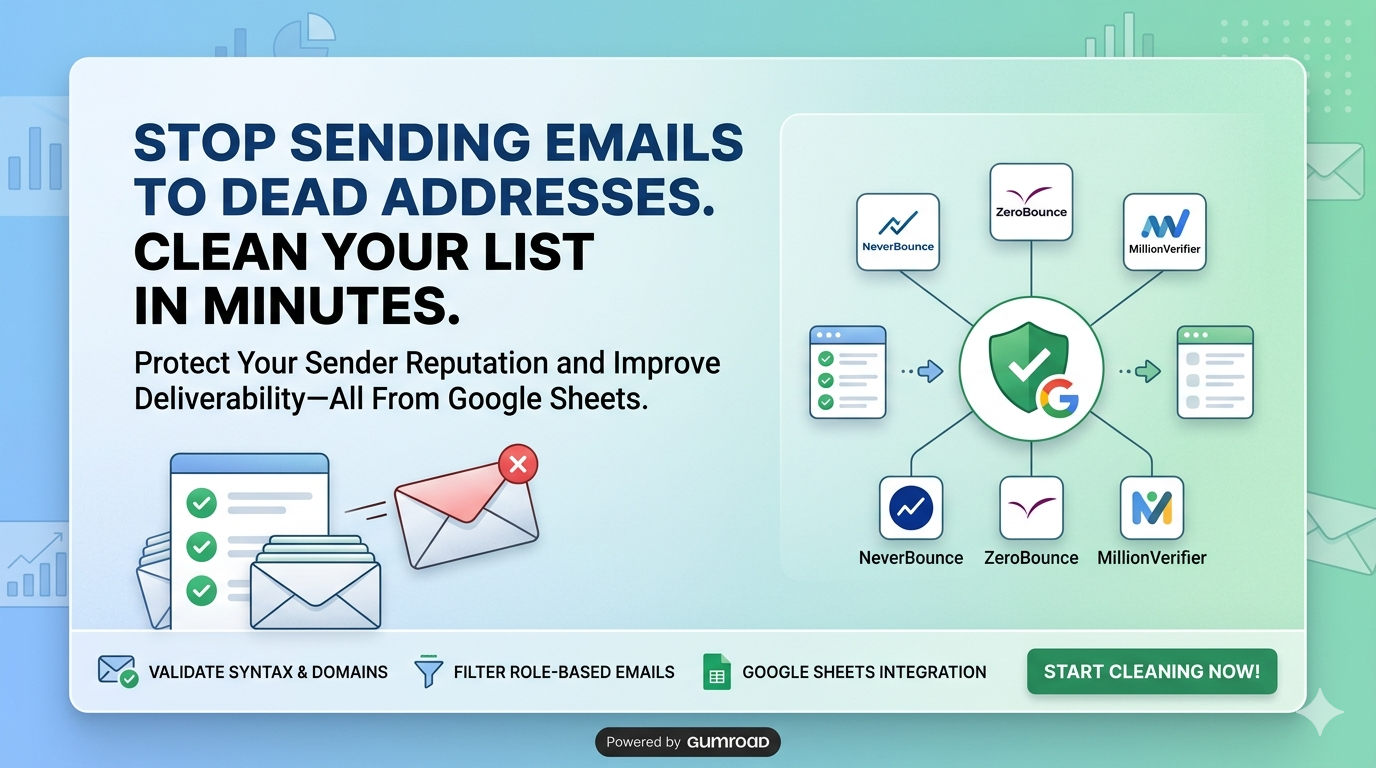
Pick your email checker — NeverBounce, ZeroBounce, or MillionVerifier — and run it straight from Google Sheets. Bad emails get flagged. Your reputation stays clean.
See it in action
| Syntax | Domain | MX | Type | Result |
|---|
Features
No code needed. Just connect your existing provider account and go.
Use the email checker you already have
Connect NeverBounce, ZeroBounce, or MillionVerifier — whichever you already pay for. Switch anytime without starting over.
Three checks, not just one
Every email gets checked three ways: format, domain, and mail server. Problems get caught before you hit send.
Skip the shared inboxes automatically
Addresses like info@, sales@, and support@ are shared inboxes — not real people. The template spots and flags them for you.
Clear verdicts, no guesswork
Every email gets a clear label — Valid, Invalid, Risky, or Catch-All. You decide what to do, with the full picture in front of you.
Verify thousands at once
Run your entire list in one go. No babysitting required — thousands of emails verified while you do something else.
Keep your domain off the blacklist
Removing bad addresses before you send is the fastest way to stay out of spam folders and keep your domain healthy.
How It Works
Up and running in minutes.
Add your email list
Paste your email list into the sheet, import a CSV, or pull from your CRM. Any source works.
Pick your provider and go
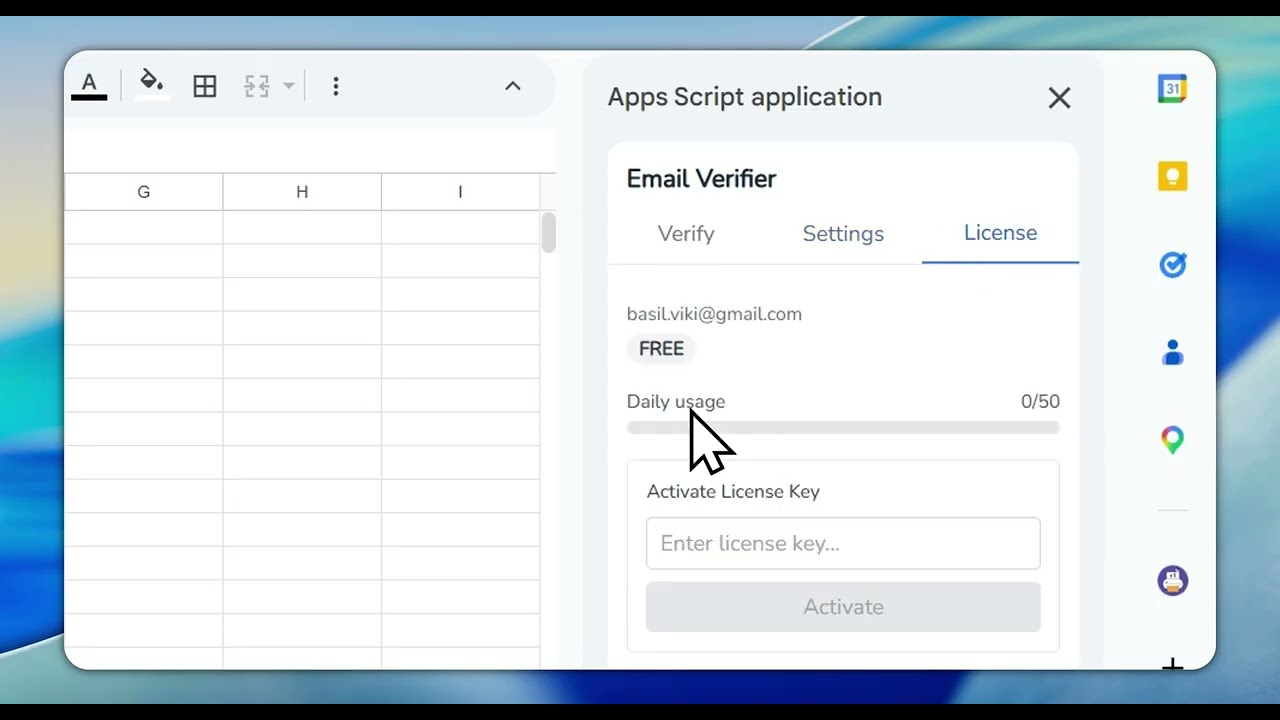
Select NeverBounce, ZeroBounce, or MillionVerifier. Drop in your API key and choose whether to flag shared inboxes.
Get your results and export
Click verify. Every email gets scored and labeled. Export the clean list and you're ready to send.
Product Showcase
See it in Action
Perfect For
See yourself here? This template was built for you.
Clean your list before every campaign
Verify your full list before you send anything. Bad addresses gone, open rates up, reputation intact.
Fix the dead contacts in your CRM
Run verification on your CRM contacts and flag the ones that have gone cold. Keep your pipeline based on real, reachable people.
Check bought or scraped lists before you use them
Bought a lead list? Scraped one? Verify it before you import. Find the bad addresses before they become your problem.
Make sure you can actually reach your attendees
Verify every signup before your event. Catch fake addresses and shared inboxes so your updates actually land.
Only reach real people, not shared inboxes
Filter out info@ and sales@ addresses from your prospect list. You want to reach people who can actually respond.
Keep your lists healthy over time
Run verification regularly to catch domains that have gone offline. Good list hygiene means consistent deliverability.
Simple Pricing
One payment. Lifetime access. No subscriptions.
Secure checkout via LemonSqueezy
Want something built for your exact workflow?
We can build a custom verification setup for your team — different providers, special validation rules, or a white-label version. Just reach out.
Get in TouchFrequently Asked Questions
Everything you need to know about this template
Which verification service should I use?
All three — NeverBounce, ZeroBounce, and MillionVerifier — are accurate and reliable. NeverBounce is fast, ZeroBounce adds extra data about the email owner, and MillionVerifier tends to be the most affordable. If you already have an account with one, start there. The template works the same with all three.
Do I need to pay for API credits separately?
Yes. The template gives you the workflow — you supply the API account with NeverBounce, ZeroBounce, or MillionVerifier. All three offer free trial credits so you can test before paying. Typical cost is $0.005–$0.01 per email, which is much cheaper than sending to bad addresses.
What are role-based emails and why should I filter them?
Addresses like info@, sales@, and support@ go to shared inboxes — sometimes managed by a team, sometimes by a bot. They almost never open emails, rarely respond, and some email platforms will penalize you for targeting them. Filtering them out improves your open rates and protects your sender score.
How accurate is the verification?
Very accurate, but not perfect. Format checks are nearly flawless. Domain and mail server checks are reliable. The tricky ones are catch-all domains — they accept every email, but some never actually deliver them. The risk scores help you decide what to do with those borderline cases.
Can I verify emails without an external API?
You can check email format without an API, but that's just basic formatting. To know if an address is actually deliverable, you need API access to NeverBounce, ZeroBounce, or MillionVerifier. They do real server-level checks that Google Sheets can't do on its own.
Are there any limits on batch size?
The template handles thousands of emails in a single run. Practically speaking, it's smooth up to about 10,000 rows. For larger lists, break them into batches to avoid timeouts. There's progress tracking built in so you can keep an eye on things.
Related Templates
You might also be interested in these templates
Email Parser Add-on for Google Sheets
Pull email data from Gmail straight into Google Sheets. Automatically capture sender, subject, body, date, and attachments — no manual copy-pasting.
Import Contacts to Google Sheets
Export all your Google Contacts to a structured spreadsheet in one click. Get names, emails, and phone numbers ready for backup or CRM migration.
Local Business Lead Finder
Find local businesses on Google Maps and get their emails, phone numbers, ratings, and website scores — all in one clean Google Sheet.